Deadlock mods
Every Deadlock mod, one click away
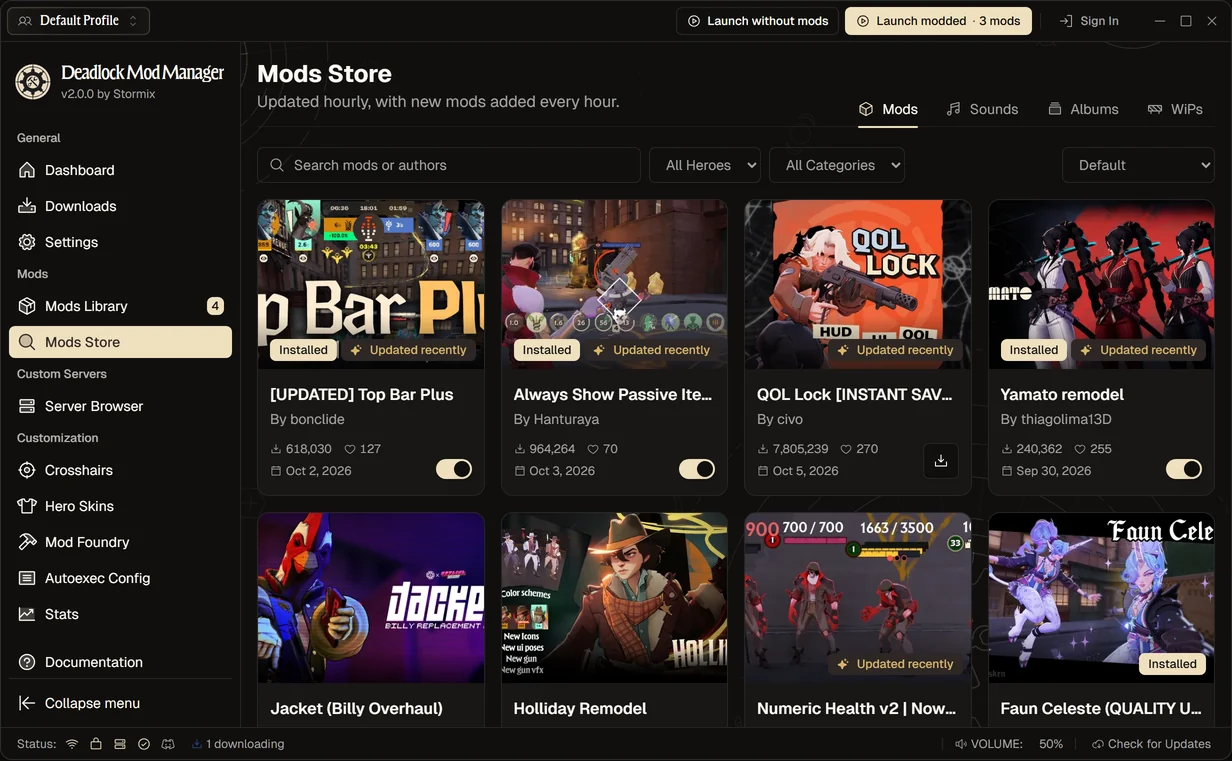
Deadlock Mod Manager browses the whole GameBanana catalog for you: skins, HUD and quality-of-life mods, sounds and more. Pick a mod, hit download, and the app puts it in the right place.
Popular Deadlock mods right now
The most downloaded mods in the Mods Store. Each one opens its GameBanana page, and all of them install from inside the app.
![QOL Lock [INSTANT SAVE/LOAD UPDATE], a Deadlock quality of life mod](/home/mods/650634.webp) QOL Lock [INSTANT SAVE/LOAD UPDATE]Quality of Life by civo · 7.8M downloads
QOL Lock [INSTANT SAVE/LOAD UPDATE]Quality of Life by civo · 7.8M downloads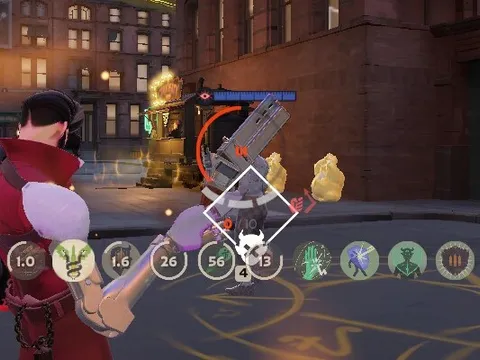 Always Show Passive Items and Actives IconsQuality of Life by Hanturaya · 964K downloads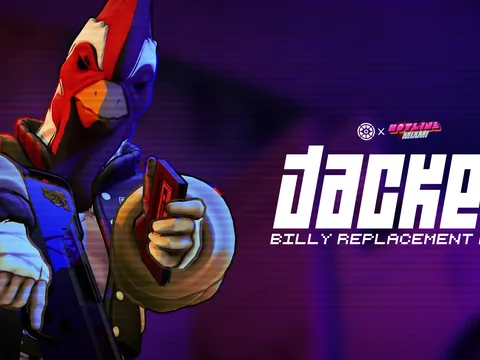
 Jacket (Billy Overhaul)Billy skin by amperesevere · 762K downloads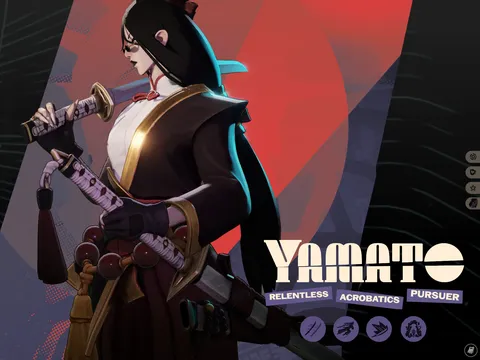
 Yamato redesign (NEW ICONS and COLORS!)Yamato skin by Kirill Senzu · 672K downloads
![[UPDATED] Top Bar Plus, a Deadlock quality of life mod](/home/mods/623518.webp) [UPDATED] Top Bar PlusQuality of Life by bonclide · 618K downloads
[UPDATED] Top Bar PlusQuality of Life by bonclide · 618K downloads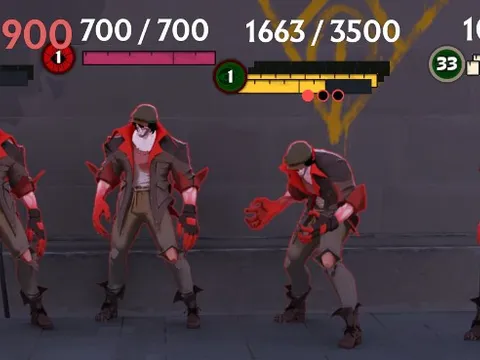 Numeric Health v2 | Now with Single Bar optionsQuality of Life by ninjabladeJr · 430K downloads
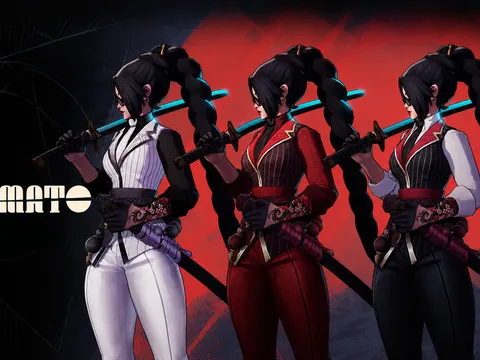 Yamato remodelYamato skin by thiagolima13D · 240K downloads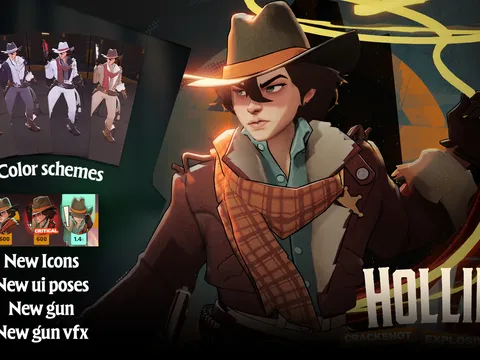
 Holliday RemodelHolliday skin by Kirill Senzu · 238K downloads
Snapshot from October 2026. Download counts come from GameBanana.
What you can install
Hero skins
Remodels and recolors for every hero, grouped by hero so you can swap the active skin in a click.
HUD & quality of life
Cleaner top bars, always-visible item icons and other interface tweaks, like QOL Lock.
Sounds
Ability, announcer and music replacements. Toggle them separately from skins.
Works in progress
Early releases from modders, in their own section so they never surprise you.
From GameBanana to your game in four steps
Install the app
Download Deadlock Mod Manager for Windows or Linux. It finds your Deadlock install on its own.Find a mod
Search the Mods Store, filter by hero or category and sort by downloads, rating or last update.Download it
Choose a variant if the mod has several. The app extracts and installs it for you.Launch modded
Hit Launch modded. Want the plain game? Pick Launch without mods; nothing gets uninstalled.
GameBanana Deadlock mods, without the busywork
GameBanana is where the Deadlock modding community publishes its work, and it's a partner of Deadlock Mod Manager. Installing from the site by hand means downloading an archive, finding the right .vpk, renaming it so it doesn't clash with your other mods, and editing gameinfo.gi.
The app does all of that, and keeps going after the install: it warns you when two mods change the same files, checks for updates, keeps separate profiles for different setups and backs up your addons first so you can roll back.
Questions
Where can I download Deadlock mods?
GameBanana hosts nearly all Deadlock mods. Deadlock Mod Manager browses the GameBanana catalog inside the app, so you can search, preview and install a mod without visiting the site or handling zip files.
Do I need to install Deadlock mods manually?
No. The app downloads the mod, extracts it, copies the .vpk files into the game's addons folder and sets up gameinfo.gi for you. You can still install mods by hand if you prefer; the install guide covers both ways.
Are Deadlock mods free?
Yes. Mods on GameBanana are made and shared for free by the community, and Deadlock Mod Manager is free and open source.
Can other players see my mods?
No. Skins, HUD changes and sounds are client-side. Other players see the default game.
Do mods still work after a Deadlock update?
Most do. Valve patches sometimes break HUD and UI mods until their authors update them. Check for mod updates in the Mods Library, or launch vanilla until a fix lands.